
Opening an account and making a first deposit takes a couple of minutes, yet no money can leave the cashier until your profile passes cango verification. The step is also called cango kyc (Know Your Customer, the identity check that confirms your name, age and address). The casino runs every document check through Sumsub, a verification service built into your profile menu, and the review takes up to 48 hours outside weekends, usually 24 to 48 hours in practice. Below is the list of files to prepare so your first cashout moves straight to processing.
Cango verification: documents summed up
Before you open the upload window, gather the three standard files and keep them on your phone or computer. Sumsub guides you screen by screen and checks that your details match the registration form, where you chose your currency and ticked the 18+ box. No withdrawal is approved before this check is complete, even if your deposit is already played through. With the right files ready, you can finish the upload in one sitting.
| Document | Requirements | Time |
|---|---|---|
| Photo ID | Passport, national ID card or another photo ID with your full name, date of birth, photo and expiry date, all four corners visible | Up to 48 hours outside weekends (usually 24-48 hours) |
| Proof of address | Utility bill, bank statement or government letter issued less than 90 days ago, with your full name and address | Reviewed together with the photo ID |
| Selfie with document | A live photo of you holding the same photo ID next to your face, both in focus | Reviewed together with the photo ID |
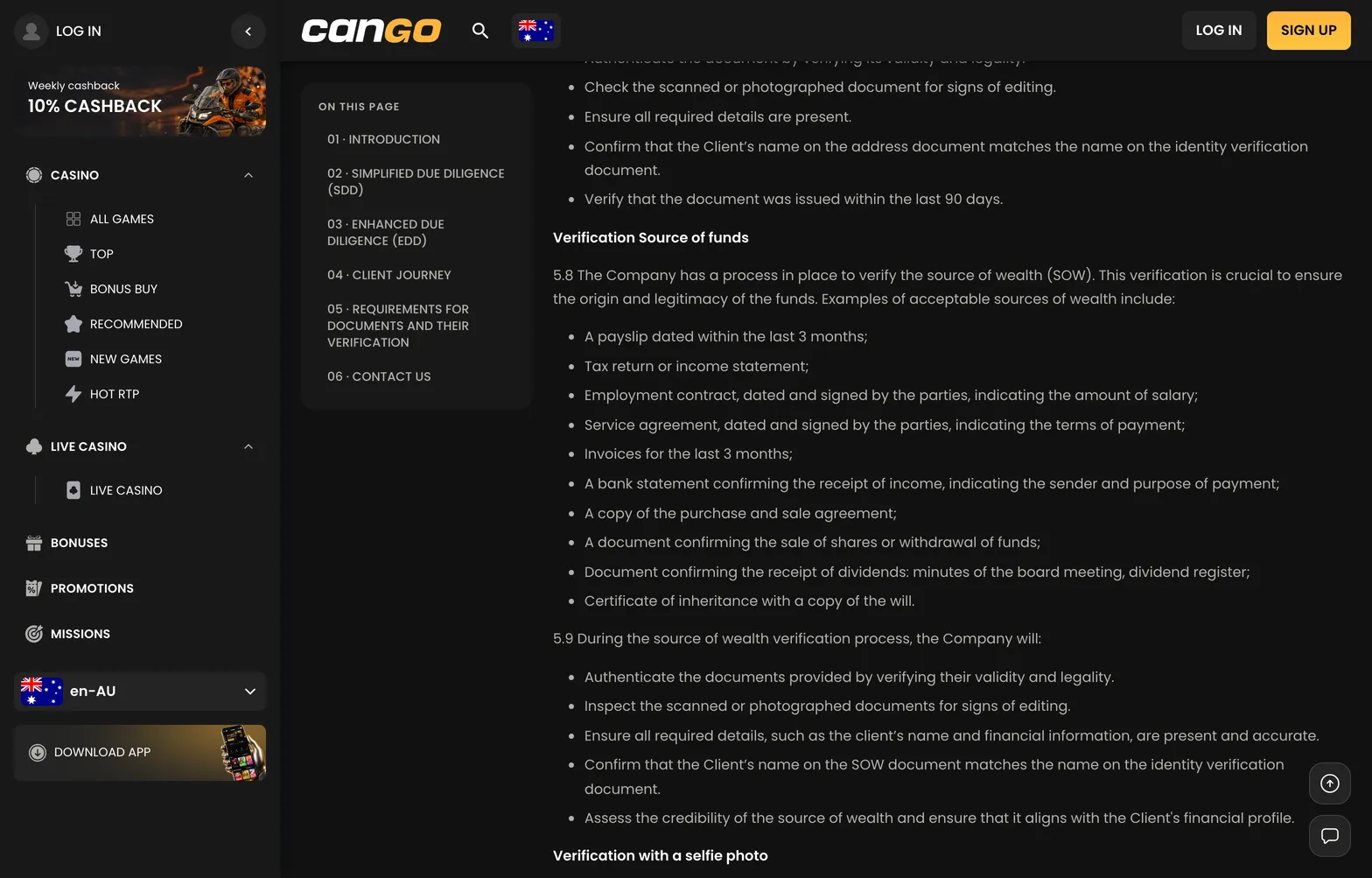
| Source of funds | On request for high deposits or large cashouts: payslip, bank statement, tax return or sale contract | Usually 24-48 hours after upload |
Cango KYC: common rejections
Most delays in a cango kyc review happen because the scanner could not read an image, not because a player broke a rule. A gas or electricity bill older than 90 days is rejected automatically. Cropped edges are another frequent issue, because the team needs to see the whole page or card. Strong overhead light creates glare on plastic cards and hides the date of birth or document number.
✔ Lay your photo ID flat on a dark surface in daylight, all four corners visible, no flash. ✔ Check the issue date on your address document: under 90 days, with your name and street address on the same page. ✔ Hold the ID beside your face for the selfie without covering any text, and take off sunglasses or hats. ✔ Make sure the address matches your registration details, and never log in through a VPN. ✔ Upload an original colour photo or a full PDF statement, not a black-and-white scan or a cropped screenshot.