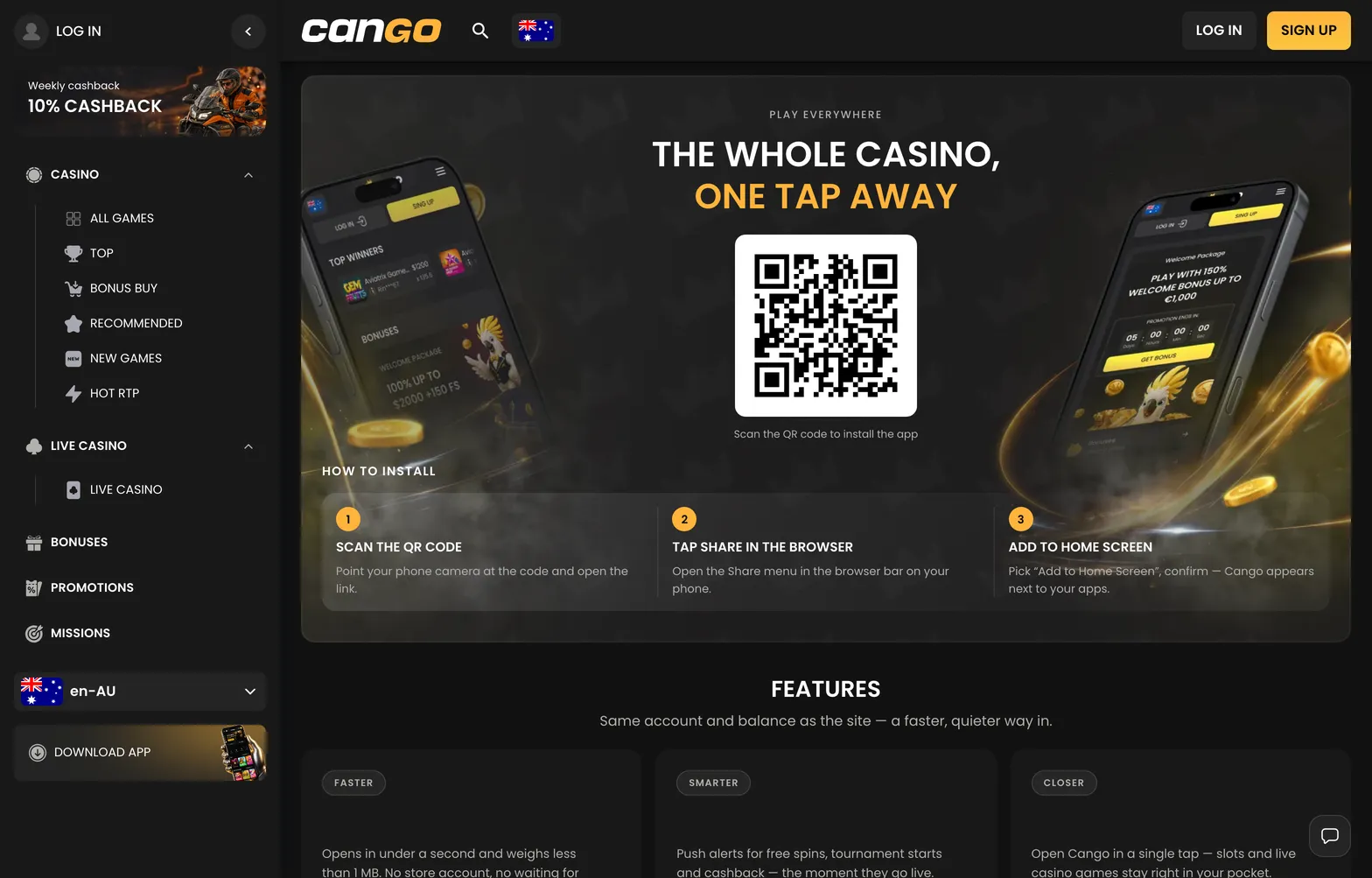

Playing pokies and managing your account on a smartphone does not need a heavy download. When you set up the cango app, you are installing a PWA (progressive web app, a light web application that runs from your browser and sits on the home screen like a normal icon). Australian newcomers can register, claim the welcome pack with code WP1, verify their identity and request a cashout in AUD from the phone. This guide covers the installation steps and what each account feature looks like on a small screen.
Cango casino app: install summed up
Setting up the cango casino app takes less than a minute because there is no store involved. On the casino site you will see Download iOS and Download Android buttons, and both lead to this browser install. The method changes slightly depending on whether you hold an iPhone, an Android phone, or sit at a computer with your phone nearby, as the table shows.
| Device | Steps | What you need |
|---|---|---|
| iPhone | Open the site in Safari, tap Share, scroll to Add to Home Screen and tap Add | Safari and an internet connection |
| Android | Open the site in Chrome or your main browser, tap the three-dot menu and choose Add to Home screen or Install app | A standard mobile browser and a few megabytes of free space |
| Desktop QR | Open the casino on your computer, show the QR code (a square barcode for the phone camera), scan it and follow the prompt | A computer screen and your phone camera |
After the steps, the icon sits among your regular apps and opens the lobby in full screen without the browser address bar.
✔ Use Safari on iPhone or Chrome on Android, not a browser inside another app. ✔ Choose AUD as your permanent currency if you register on the phone. ✔ Enter WP1 in the registration form or cashier when depositing at least A$45. ✔ Keep your passport or national ID card nearby for the identity check.